When I first started building my business, I realized pretty quickly how crucial it is to find the right leads. Over time, I came up with a simple system that helps spot potential clients using clear data and straightforward tools.
Now, I keep everything efficient and affordable with a structured sheet that sorts leads by industry and location.
In this session, I’ll walk you through how I find and analyze business opportunities online. I’ll also show you how to generate B2B leads and reach out to potential clients once I’ve got their details lined up. This saves time, cuts costs, and lets business owners focus their energy where it actually matters.
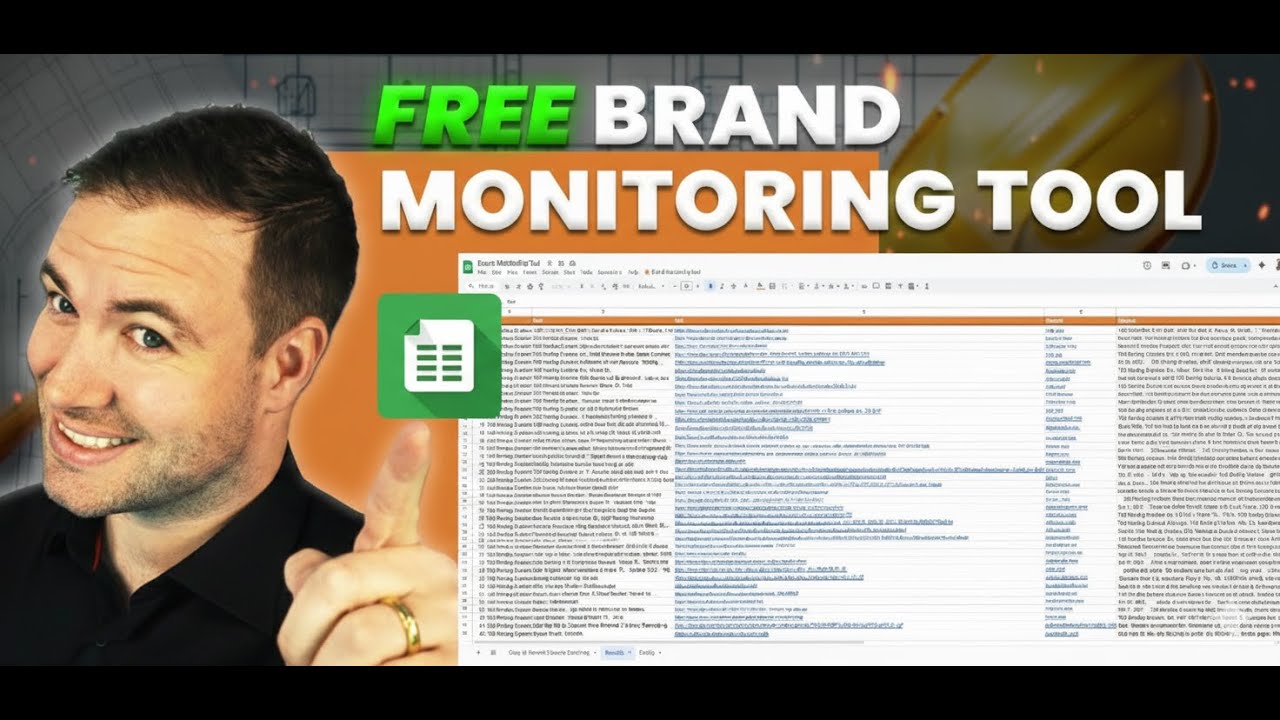
I use a simple lead sheet that pulls business data straight from Google. I can search by industry and location to zero in on exactly who I want to target.
The sheet grabs info like business name, website, phone, address, rating, and where they show up on Google.
Here’s a quick look at what the sheet includes:
| Field | Description |
|---|---|
| Business Name | The name of the company |
| Website URL | Direct link to the company’s site |
| Phone Number | Contact number for outreach |
| Address | Business location |
| Category | Type of business or service |
| Google Rank | Their position in search results |
| Reviews | Number of customer ratings |
To get started, I fill in the industry, target city, and state. I always use capital letters for location names so the system reads them right.
Then I pick how many results I want - up to 1,000. After that, I hit the Find Prospects button, and in just a few minutes, the sheet spits out a list of potential clients ready for contact.
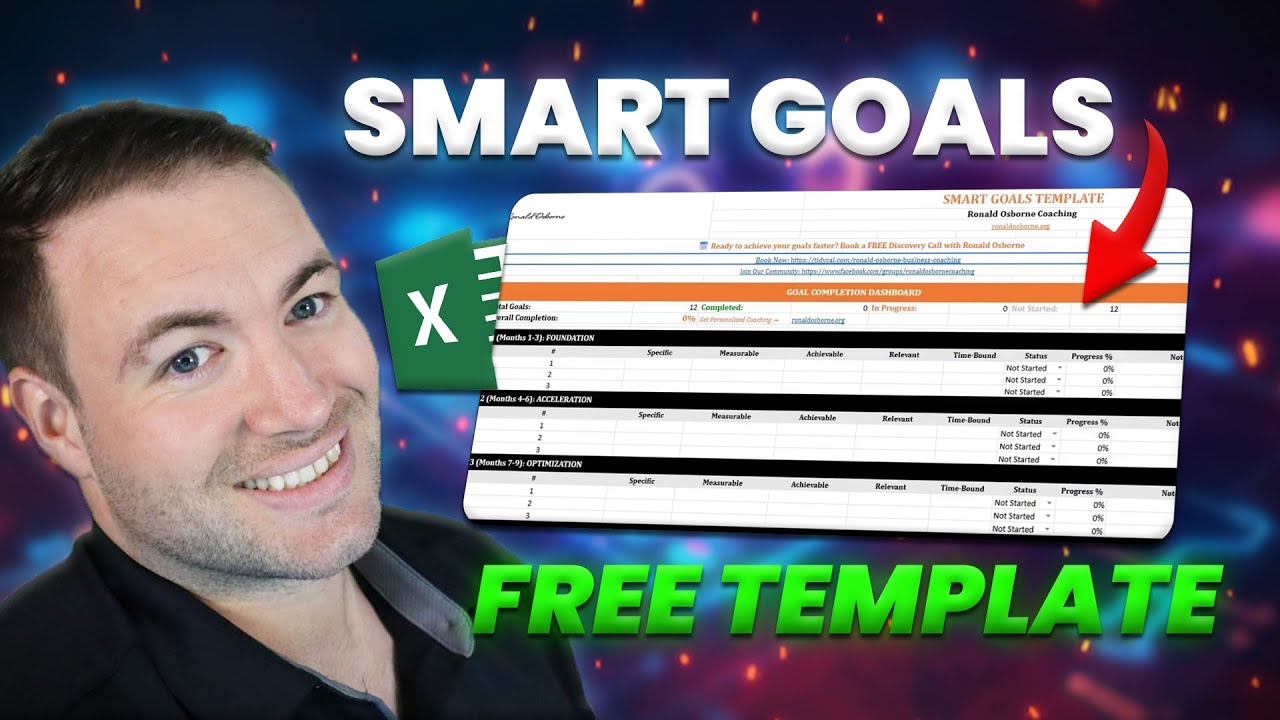
Anyone can grab this lead sheet and some free tools from my website. I include a business checklist, goal templates, and access to over 250 listing sites that help boost online visibility.
These resources make it easy to set goals and attract more leads without spending extra cash.
To download them, just head to my site and scroll to the section with the free templates. Once you’ve got them, you can use the tools right away.
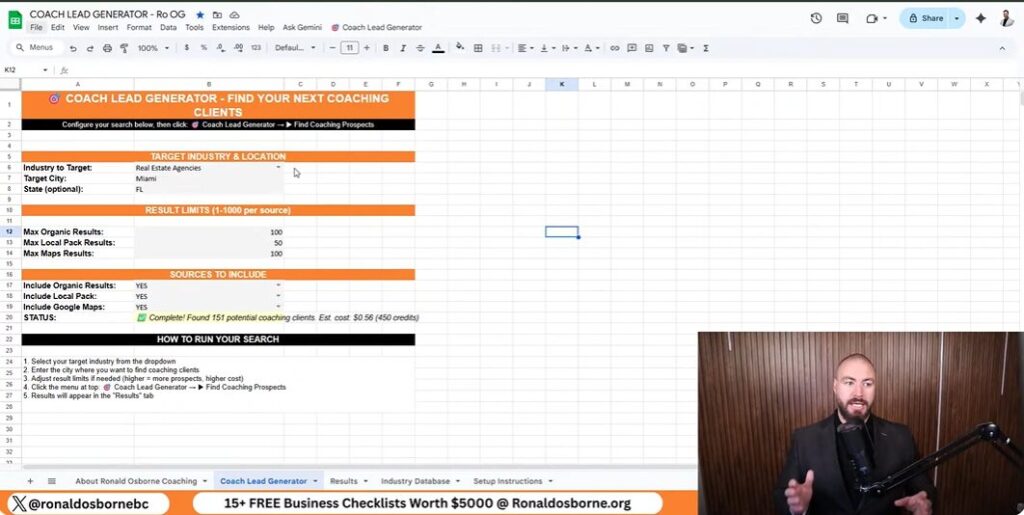
I start by opening the Lead Generator tab. This is where I pick what kind of businesses I want to find and where to look.
For example, maybe I want to search forrestaurants in Fort Lauderdale, Florida. I type the industry and location in capital letters, like this:
| Field | Example Entry |
|---|---|
| Industry | RESTAURANTS |
| City | FORT LAUDERDALE |
| State | FL |
Capital letters help the sheet avoid errors and pull accurate data. It’s a small thing, but it makes a difference.
Next, I tweak the available fields to match the search scale I want. I can set the maximum results, map pack limit, and local result count.
Here’s a sample setup I use a lot:
| Setting | Value |
|---|---|
| Max Results | 1000 |
| Map Pack Limit | 150 |
| Local Results | 100 |
These limits help me control how much data I pull. Once everything looks right, I click Find Coaching Prospects and let it run.
The sheet updates in real time at the bottom with progress and any errors, which is handy if something goes sideways.
I change the search terms and phrases in the query fields to target specific markets. Sometimes I swap in real estate agents, or maybe roofing contractors or flooring companies.
The sheet combines the industry and region filters automatically and calls the API to fetch the data.
When it’s done, the results include:
This data lets me quickly spot which companies fit my target profile so I can reach out or tweak my search further.

I use Google Maps and standard search results to find and target business leads. By plugging in the right keywords and narrowing by location, I can pull detailed info about companies in a specific industry or area.
This helps me find key prospects, like real estate agents or restaurant owners, without burning through my budget.
I rely on industry terms and city or state names in my searches. For example, typing “restaurants Fort Lauderdale Florida” brings up local listings with accurate business details.
Google Maps gives me contact numbers, addresses, and even customer ratings, which is great for sizing up a business before reaching out.
Once I run my lead generation sheet, it organizes all the Google data into an easy format. The sheet lists key details like:
| Column | Description |
|---|---|
| Business Name | The company’s name as it appears online |
| Website URL | Direct link to the business site |
| Position on Google | Search ranking or placement |
| Phone Number | Contact number for outreach |
| Address | Physical business location |
| Category | Type of business or industry |
| Ratings/Reviews | Public score and feedback |
I always capitalize each city and state name before running the search to keep results accurate. I can adjust the number of results - maybe 150, maybe 1,000 - and the tool wraps up the search in a few minutes.
Then I review the data to see which businesses might need help improving their reach, and I contact them directly using the info I’ve pulled.

I use a lead generator sheet that pulls business data by location and industry. It grabs company names, websites, addresses, categories, ratings, and contact numbers. This is an important process in exploring how to generate B2B leads.
This helps me spot who ranks high or low in Google results and what areas might need a boost.
| Data Collected | Example |
|---|---|
| Business Name | Smith Roofing Ltd |
| Website | www.smithroofing.com |
| Address | 22 Main St, Miami, FL |
| Reviews | 45 |
| Category | Roofing Services |
When I review these results, I look for things like total reviews or missing info. If I see low review counts or bad rankings, I make a note to bring that up when I reach out.
Once I have the data, I reach out directly - usually by phone or email. I use the info I’ve gathered to make my approach specific to each business.
I refer to the data while talking. For example, if a local business has way fewer reviews than a competitor, I’ll point out the difference and talk about ways to catch up. It keeps the conversation practical and actually helpful.

I make sure to list businesses on hundreds of online directories so I can open extra channels for leads. When a company shows up on more sites, more people find it - no ads or cold outreach needed.
Here’s a quick rundown of what I focus on:
| Step | Action | Purpose |
|---|---|---|
| 1 | Add business details to 250+ listing sites | Boost search visibility |
| 2 | Keep contact info consistent | Build trust and make updates easier |
| 3 | Check listings monthly | Ensure accuracy and performance |
This multiplies exposure and brings in steady traffic from people already looking for services like yours.
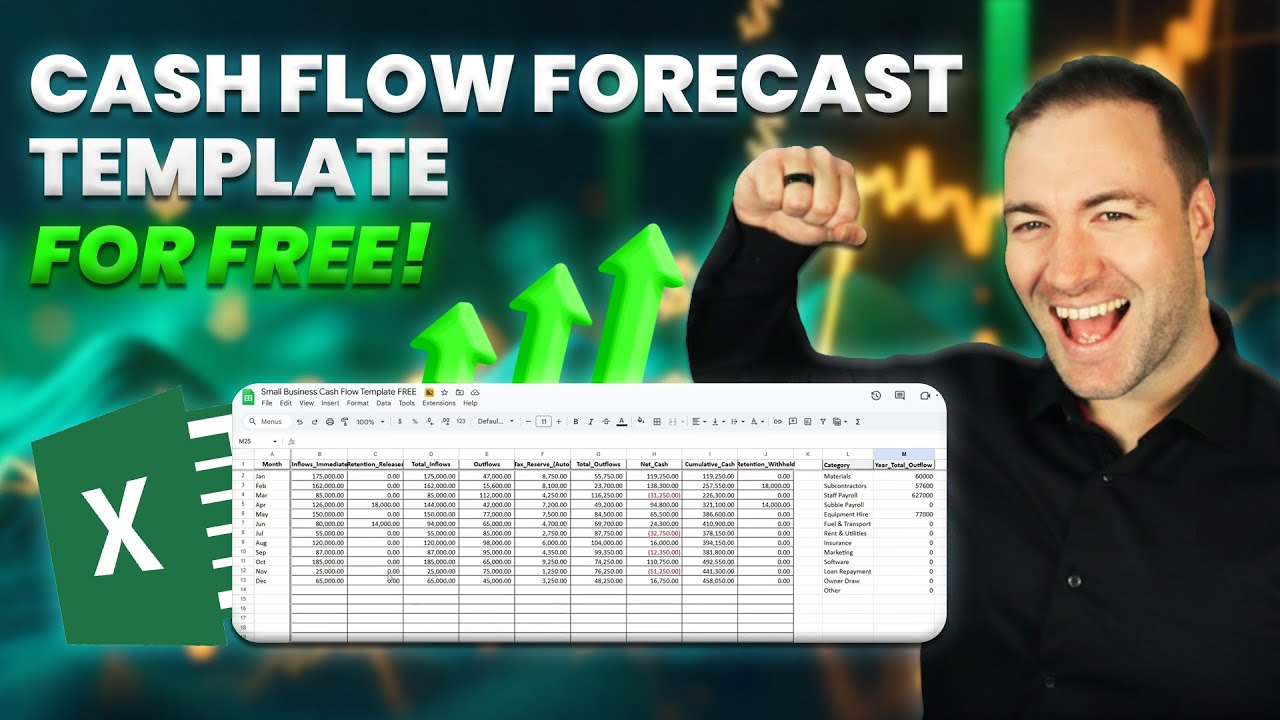
Along with the lead sheet, I share several free templates that save time and help track results. These tools make organizing tasks simpler and give structure to follow-up efforts.
I often use:
Using these templates keeps my process organized. I can handle more leads efficiently across different campaigns, and honestly, it just makes life a whole lot easier.
I help business owners find new clients using low-cost, practical tools. My guide on how to generate B2B leads sheet pulls data straight from Google Maps and search results to spot potential clients in any location or industry.
It’s easy to use and doesn’t take long to set up. You just enter theindustryandgeographic areayou want to target.
| Data Type | Information Collected |
|---|---|
| Business Name | Straight from Google results |
| Website URL | Direct domain link |
| Contact Info | Phone number and address |
| Category | Business type or field |
| Ratings And Reviews | Basic performance insight |
The sheet automatically lists potential leads after you run it. You can reach out to these businesses, compare ratings, and start meaningful conversations about growth.
The data lets you personalize your outreach and focus on those most likely to respond. I also throw in free tools like smart goal templates and listing checklists.
These help you get your business on hundreds of directories and boost visibility while saving cash. Everything’s streamlined, so you can skip the guesswork and actually focus on what grows your revenue.

Ronald Osborne is an Australian entrepreneur and experienced business coach. With over ten years of business and mentoring experience, an MBA specializing in Finance, along with launching/partnering with over 10 of his own companies around the globe, he has been able to achieve his version of success. Ronald has been able to help large telecommunication companies, law firms, trade businesses, and everyday business owners improve their business and take it to the next level.